
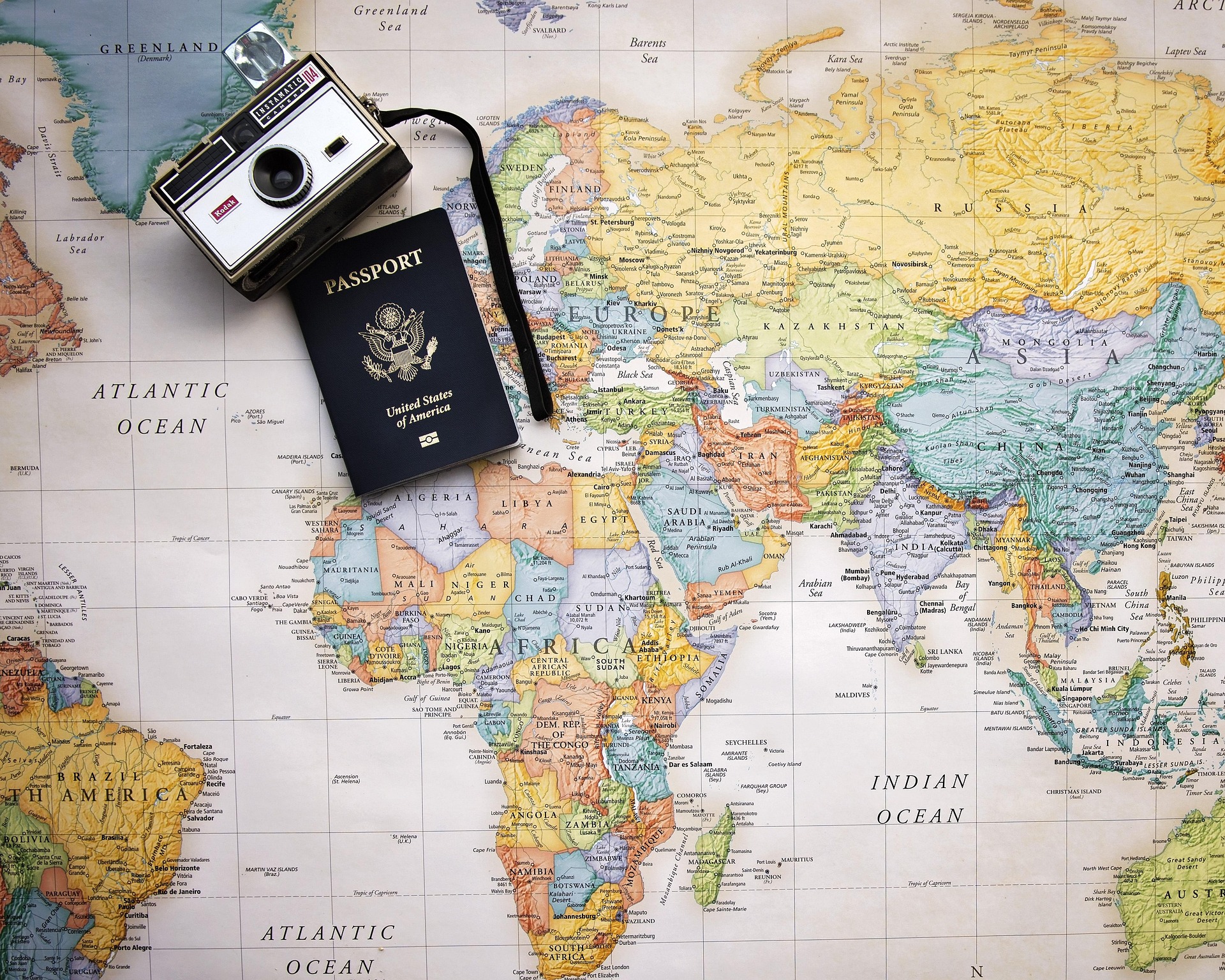
The Travel map in Dream Bucket List is a full interactive world map. Tap any country to open its detail sheet, log a trip, add dates, notes and photos, and link it to a bucket list dream. Over time, the map becomes a living, colour-coded picture of your adventures together.
How the travel map works
- Open the Travel tab in the app.
- Tap a country you've been to and add a trip — dates, who went, notes, photos.
- The map shades that country in the traveller's colour. If more than one person went, both colours blend.
- Countries on your bucket list but not yet visited appear as gentle outlines — a visual to-visit list.
Why a map, not a list?
Text lists of countries feel like admin. A map feels like a life. You see the gaps you want to fill next — the whole continent you've never been to, the neighbouring country you keep meaning to visit — and it turns travel planning into a game with a visible score.
Great for couples and families
Because Dream Bucket List uses a shared household, the travel map tracks everyone. Kids love seeing 'their' colour spread across the globe. Couples love seeing which countries they've been to together vs solo.
Travel map FAQ
What is a travel bucket list map?
A travel bucket list map is an interactive world map that shades countries you've visited and lets you plan the ones you haven't. In Dream Bucket List, every household member is a colour, so you can see who's been where at a glance.
Do trips connect to bucket list dreams?
Yes. Any dream in the 'Travel' category can be linked to a trip on the map, so ticking off 'See the Northern Lights' shades Iceland automatically.
Can I store trip notes and photos?
Yes. Tap any country to open its sheet — add trip dates, notes, and photos from every visit.
See also: travel bucket list ideas · all features